See it in action
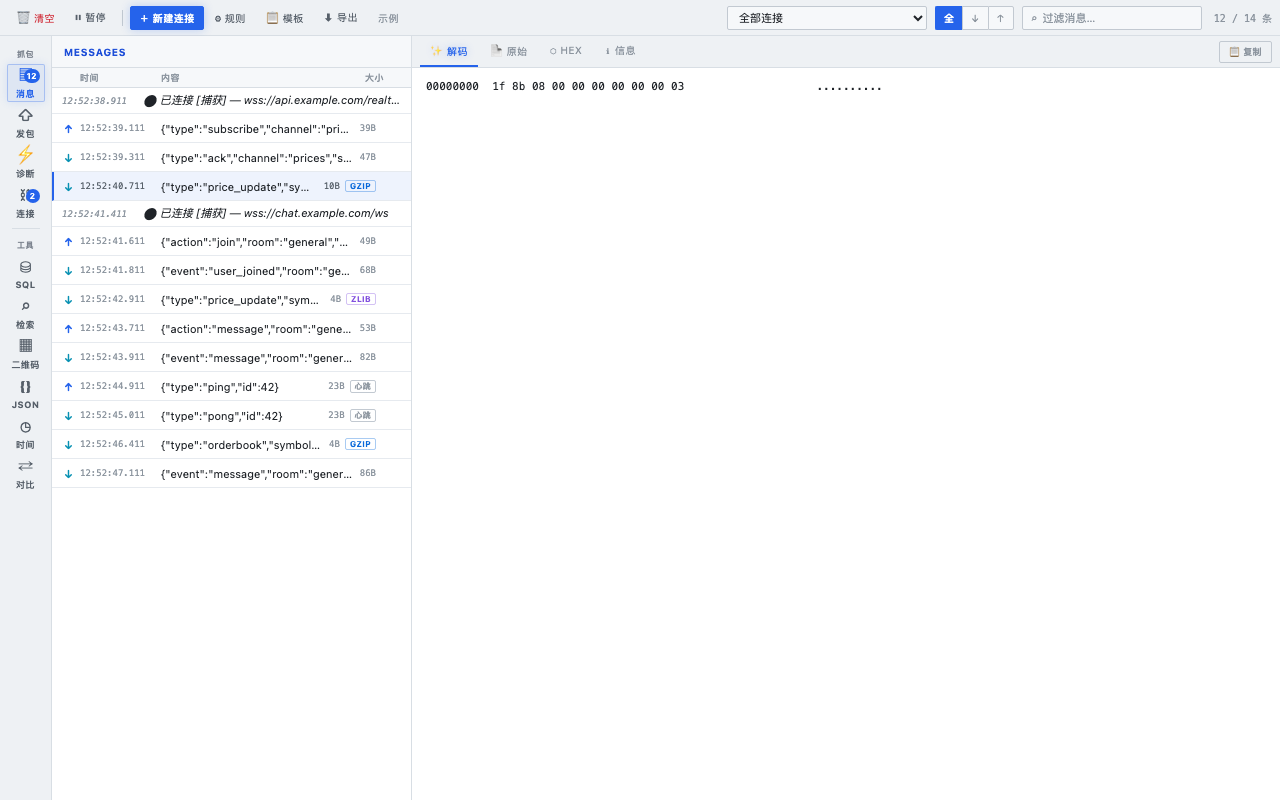
Capture and debug WebSocket frames right in Chrome — then generate SQL, QR codes, format JSON, convert timestamps and diff text without leaving the panel. No proxy, no setup. Just install and reload.
A WebSocket inspector at its core — with a toolbox of dev utilities bolted right in.
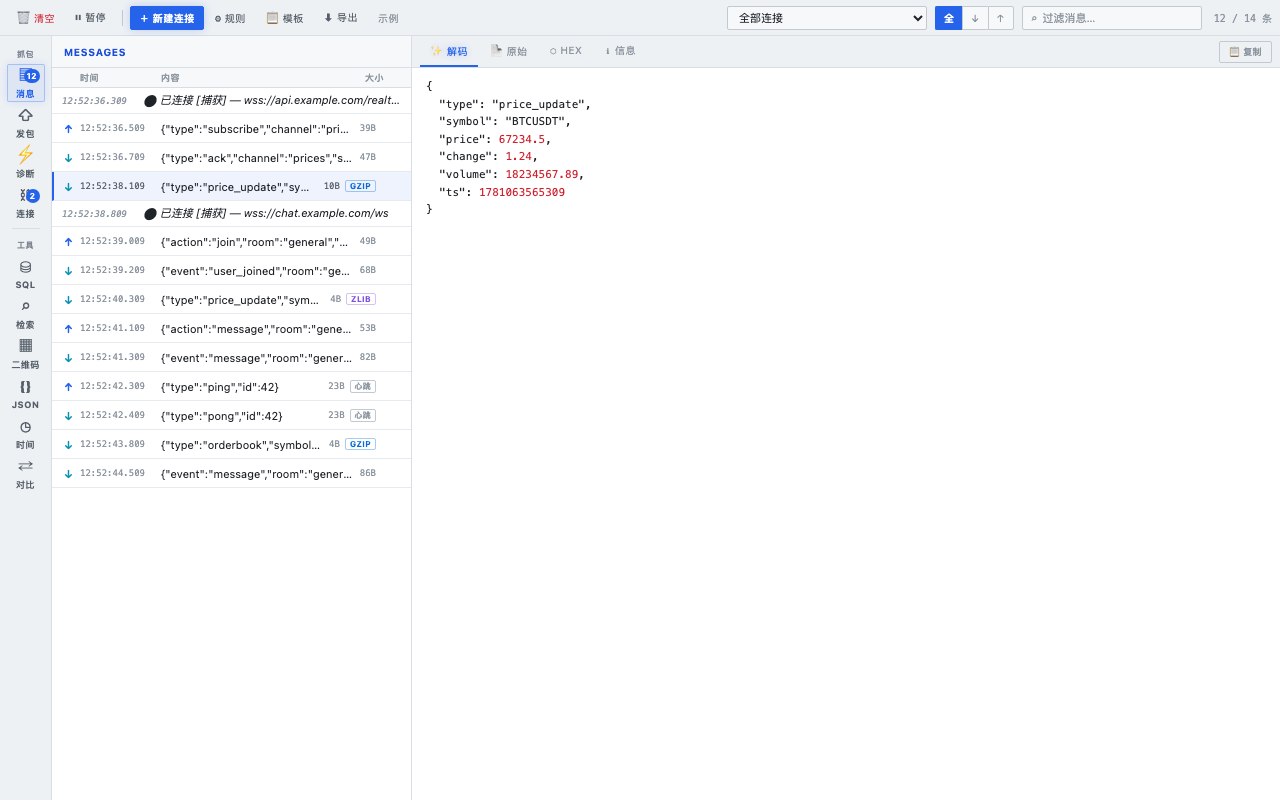
Captures every WebSocket connection on the page — including dynamic ones — and auto-decodes gzip / deflate / deflate-raw by magic bytes. See the real payload, not the blob.
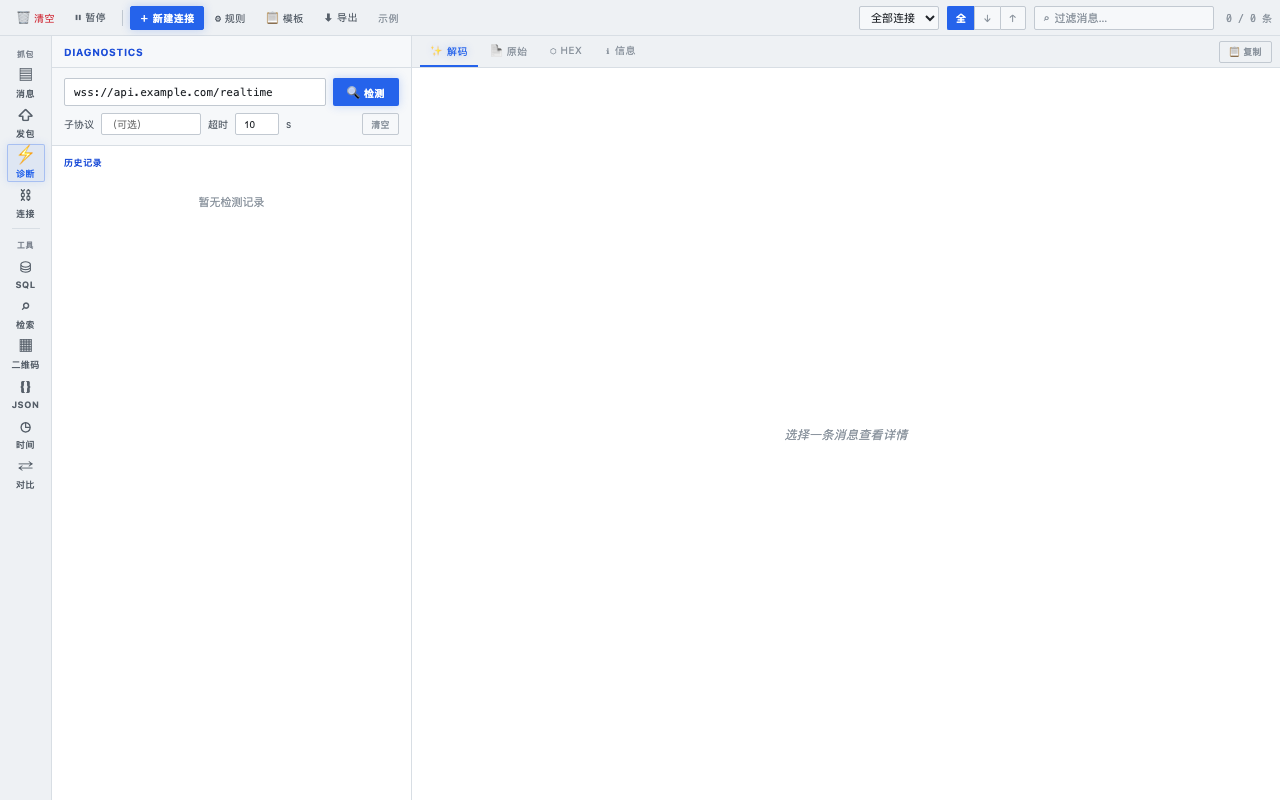
Decoded JSON with syntax highlighting, a dedicated Hex view for binary frames, and a WSS reachability check (TLS handshake / WebSocket upgrade timeline).
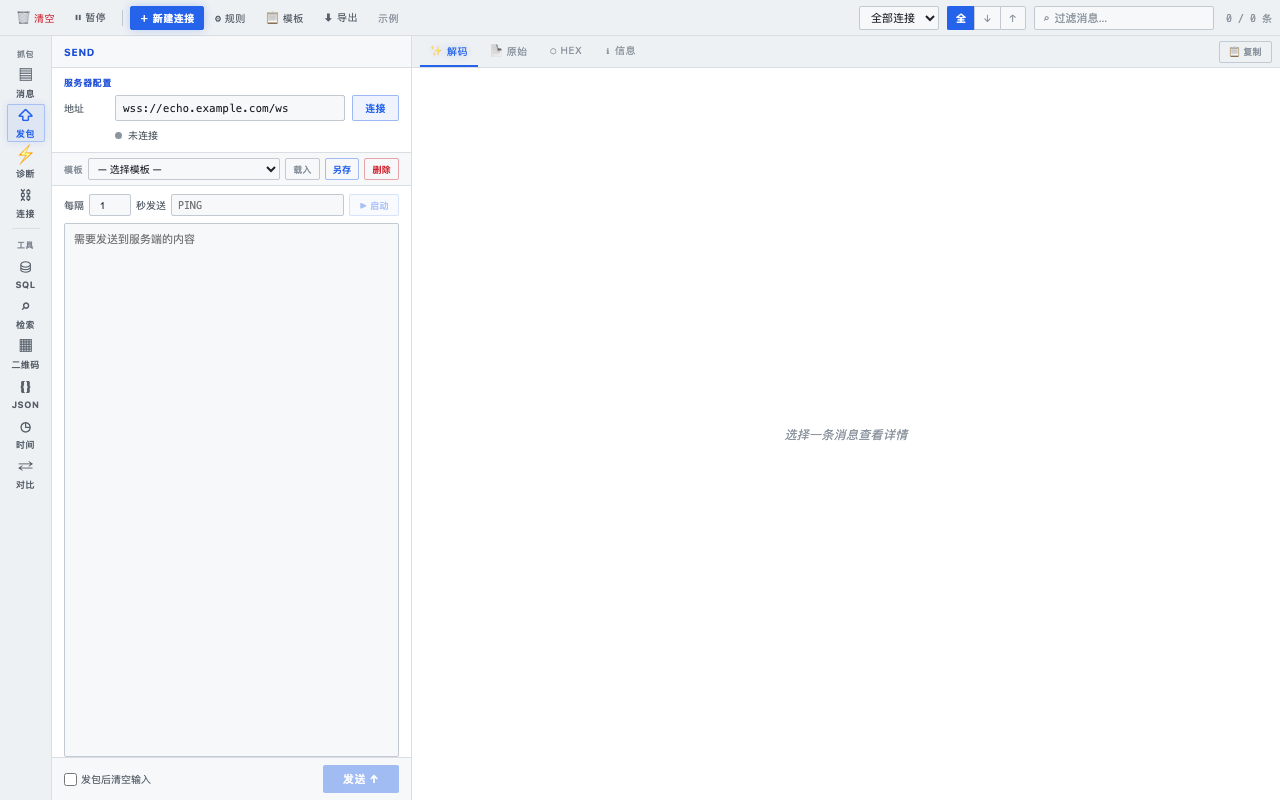
Open your own ws:// / wss:// connections, save payload templates, set heartbeats and auto-reconnect, and auto-send subscribe/auth frames on connect.
Type Chinese text, auto-translate to 18 languages and produce static_lang / static_lang_error INSERT SQL. Paste existing INSERTs to filter and inspect rows.
Generate QR codes (PNG export), format / minify / strip-comments JSON, convert timestamps across timezones, and run a line-by-line text diff — all in the same panel.
An easy-on-the-eyes light theme with a three-column layout. Use it as a DevTools panel or a docked browser side panel — your choice.
Rebrand to Atool + light theme — A clean, eye-friendly light UI in blue, replacing the old dark palette. New logo and identity.
Dev toolbox — SQL generator & search, QR codes, JSON tools, timestamp converter and text diff, grouped alongside the WebSocket inspector.
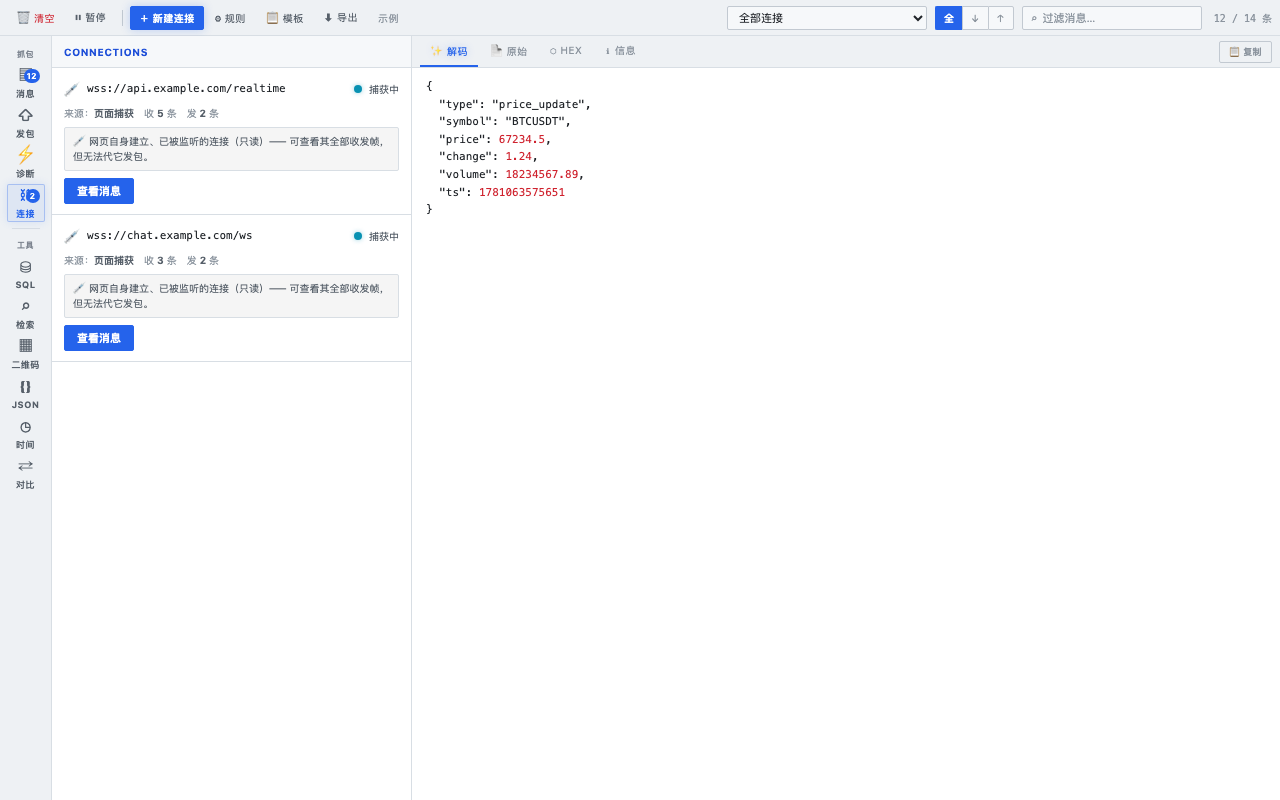
Connections, redesigned — Each connection shows its role with a one-click "view messages" filter; captured vs. active clearly distinguished.
Leaner permissions — Settings now use localStorage; the unused storage permission was removed.
Privacy-first. WebSocket capture and the QR / JSON / Time / Diff tools run entirely in your browser — no analytics, no telemetry. The only outbound request is the optional SQL Generator translation, which sends the text you type to Google Translate. Details in the Privacy Policy.